

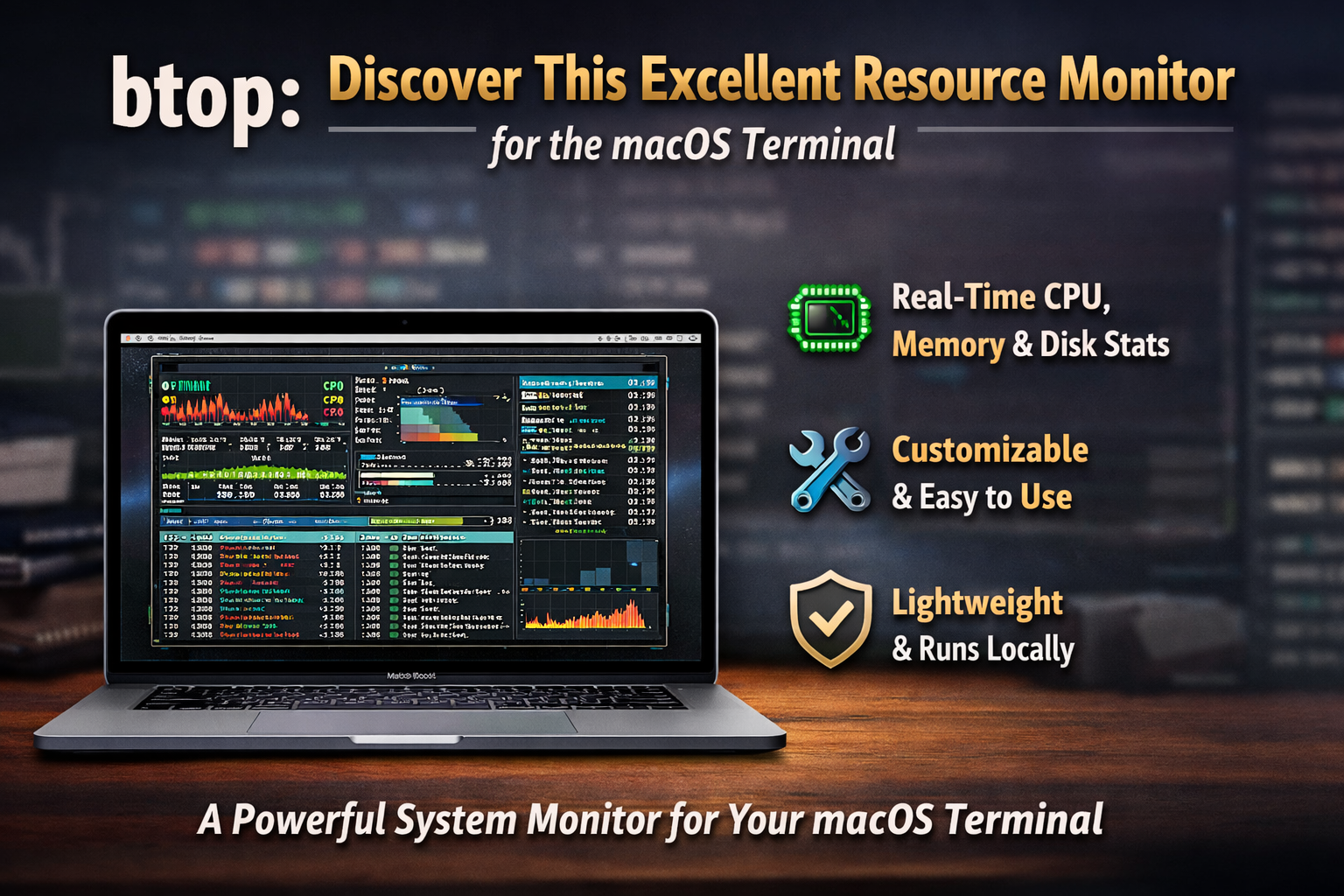
A powerful yet lightweight system monitor called btop is steadily gaining attention among macOS users who prefer working from the terminal. Originally popular on Linux, the tool has now become a favorite for developers, system administrators, and advanced users on Apple devices who want a fast, visual, and reliable way to track system performance without relying on heavy graphical apps.
btop is designed to display real-time information about CPU usage, memory consumption, disk activity, and running processes directly inside the terminal. Unlike traditional command-line monitors, it offers a clean and colorful interface that makes it easier to read system stats at a glance. The tool balances performance with usability, giving users detailed insights without slowing down their machines.
One of the key reasons behind btop’s growing popularity on macOS is its simplicity. Installation is straightforward through package managers like Homebrew, and once installed, the tool launches instantly with a single command. Users can scroll through processes, sort them by resource usage, and even terminate tasks without leaving the terminal environment.
For developers and power users,open-source btop provides a level of control that many default macOS monitoring tools do not. It shows per-core CPU activity, network traffic, and disk I/O in real time, helping identify performance bottlenecks quickly. This makes it especially useful during software testing, server management, and heavy multitasking sessions.
Another advantage is its customization. Users can adjust themes, layout, and displayed metrics according to their workflow. This flexibility allows professionals to tailor the interface for monitoring specific workloads, whether coding, compiling projects, or managing remote systems.
Security-conscious users also appreciate btop because it runs locally and doesn’t rely on external cloud services or background tracking. Everything remains within the system, which aligns well with the privacy-focused habits of terminal users.
As macOS continues to attract developers and technical professionals, tools like btop highlight the ongoing shift toward efficient, terminal-based workflows. With its speed, clarity, and ease of use, btop is emerging as a dependable alternative to heavier system monitoring applications.
For anyone who spends significant time in the macOS terminal, btop offers a modern, responsive way to stay informed about system performance—without leaving the command line.
